
Thank you! Your submission has been received!
Oops! Something went wrong while submitting the form.
Topics
Use Smart Import
If you already run campaigns on another ad platform, Smart Import brings that setup into Blockchain-Ads for you, so you launch from your existing setup. NEXUS then optimizes from that established starting point, which gives more predictable results in the first month than a cold-start campaign.
Open Import next to Create Campaign in HUB. The import runs in two stages.
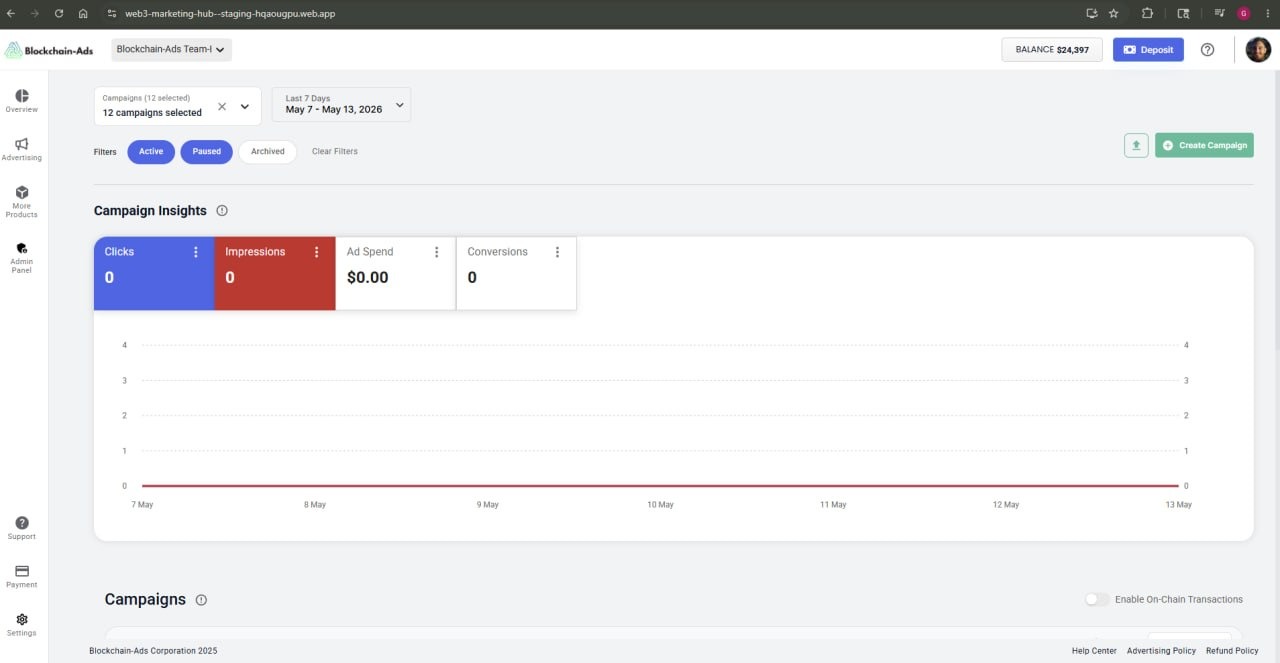
Stage 1: General information
- Enter the source ad network URL (the campaign you are importing from) and your landing page URL.
- Select a campaign type.
- Set your daily budget, target CPC, and optionally a target CPA or conversion type.
- Choose a campaign schedule.
- Select the vertical or industry that best matches your campaign. Audiences tied to that vertical are targeted automatically. You cannot manually choose audiences during import.
- Select the geo you are targeting.

Stage 2: Upload creatives
- Drag and drop your ad files, or click to browse and upload them. Supported formats: PNG, JPG, GIF, WebP.
- Review the creative preview to confirm how your ads will appear.
- Click Import As Draft to save the campaign for review, or proceed to launch.
Campaigns saved as drafts can be reviewed and edited before going live. Smart Import runs alongside cookie sync and the platform's optimization systems from the start, to improve early stability.

Next steps
Thank you! Your submission has been received!
Oops! Something went wrong while submitting the form.