

Overview and your Performance Score
Overview is the first screen you land on in HUB, and it works as your account scorecard. Whether you are a crypto exchange marketer, an iGaming operator, or a finance growth lead, it answers one question: is this account set up to perform, and what is working so far.
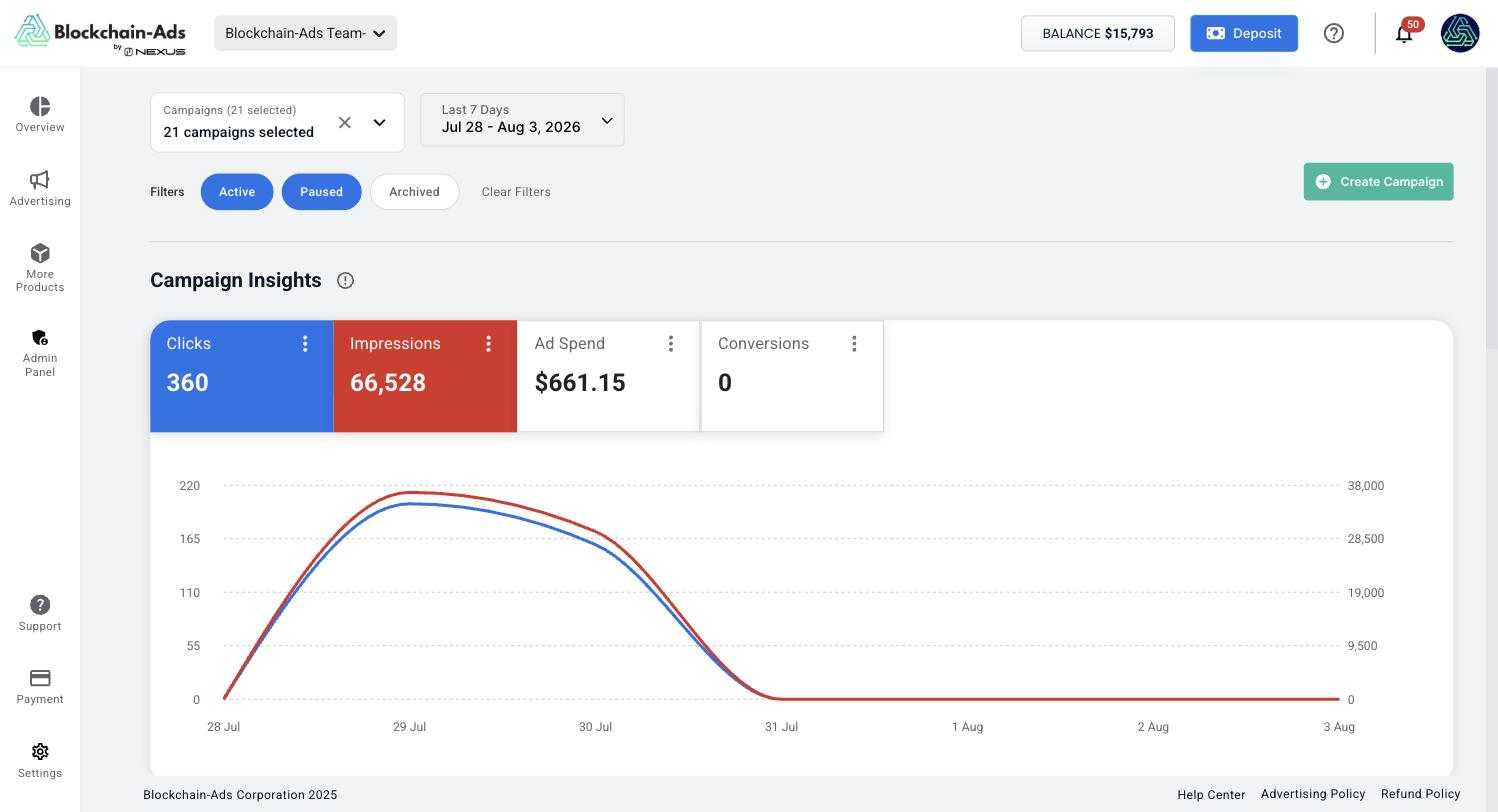
Your campaign list lives at Advertising > Campaigns.
Your Performance Score
The Performance Score rates how completely your account is set up, as a percentage with a High or Low rating. It runs on a five-item checklist, and each item reads Completed or Not Completed.
| Item | What completes it |
|---|---|
| Tracking Verified | A conversion whose status has reached Verified. See Verify and test a conversion |
| Custom Audiences Created | At least one audience built under Tracking > Audiences. See Create a custom audience |
| Performance Optimized | Campaign settings acted on after results came in. See Use your data to optimize |
| Budget/Bid Adjusted | Budget or bid changed from the defaults on a running campaign. See Budget and bidding |
| Creative Refreshed within Last 30 Days | New creative uploaded to a campaign in the last 30 days. See Ad creative specs |
Treat the score as a setup checklist. A high score means your account setup is complete. Results still depend on your targeting, creative, and offer, and a low score on a campaign that is already delivering well usually points at one unfinished checklist item.
Work the Not Completed items in the order above. Tracking first: until a conversion verifies, your CPA and ROAS columns stay empty, and every optimization decision after that is guesswork.
What else is on the page
Top Performing Ads lists your best creatives with Size, Impressions, Clicks, CTR, and Conversions, alongside a preview carousel so you can see the actual ad next to its numbers. This is the fastest way to find which creative to build your next variations from.
Top Performing Audiences ranks your audiences by clicks, so you can see which segments respond before you commit more budget.
Top Performing Geos breaks delivery down by country as a share of the total. A geo taking a large share of spend with few conversions is a candidate to exclude. See Geo and device targeting.
Looking for help? links out to videos, documentation, and support.
Blockchain-Ads Basics is an in-app video library covering campaign creation, payment, tracking setup, generating reports, editing campaigns, inviting users, and the referral program.
Notifications
The bell in the top bar carries alerts that send you back to this screen.
| Notification | What it means |
|---|---|
| Campaign Launched | A campaign moved into delivery |
| Campaigns In Learning Phase | The algorithm is still testing audiences, placements, and geos. Results move around during this period before they settle |
| Finish Setup | Something on your Performance Score checklist is still Not Completed |
| Campaign Not A/B Testing | A campaign is running with only one ad. Add more ads to compare them against each other |
Next steps
- Clear your checklist: Verify and test a conversion, then Create a custom audience
- Read what the numbers mean: Metrics explained
- Act on them: Use your data to optimize

