Thank you! Your submission has been received!
Oops! Something went wrong while submitting the form.
Topics
Create a Campaign
Setting up and launching a new campaign. Whether you market a crypto exchange, an iGaming brand or a fintech product, the builder asks the same five things in the same order.
The builder is five steps: 1 Objective > 2 Settings > 3 Targeting > 4 Creatives > 5 Summary.
- Open Advertising > Campaigns and click Create Campaign.
- Choose your objective: Brand Awareness, Website Traffic, Downloads/Sign Ups or Sales/Deposits. The format cards appear once an objective is chosen.
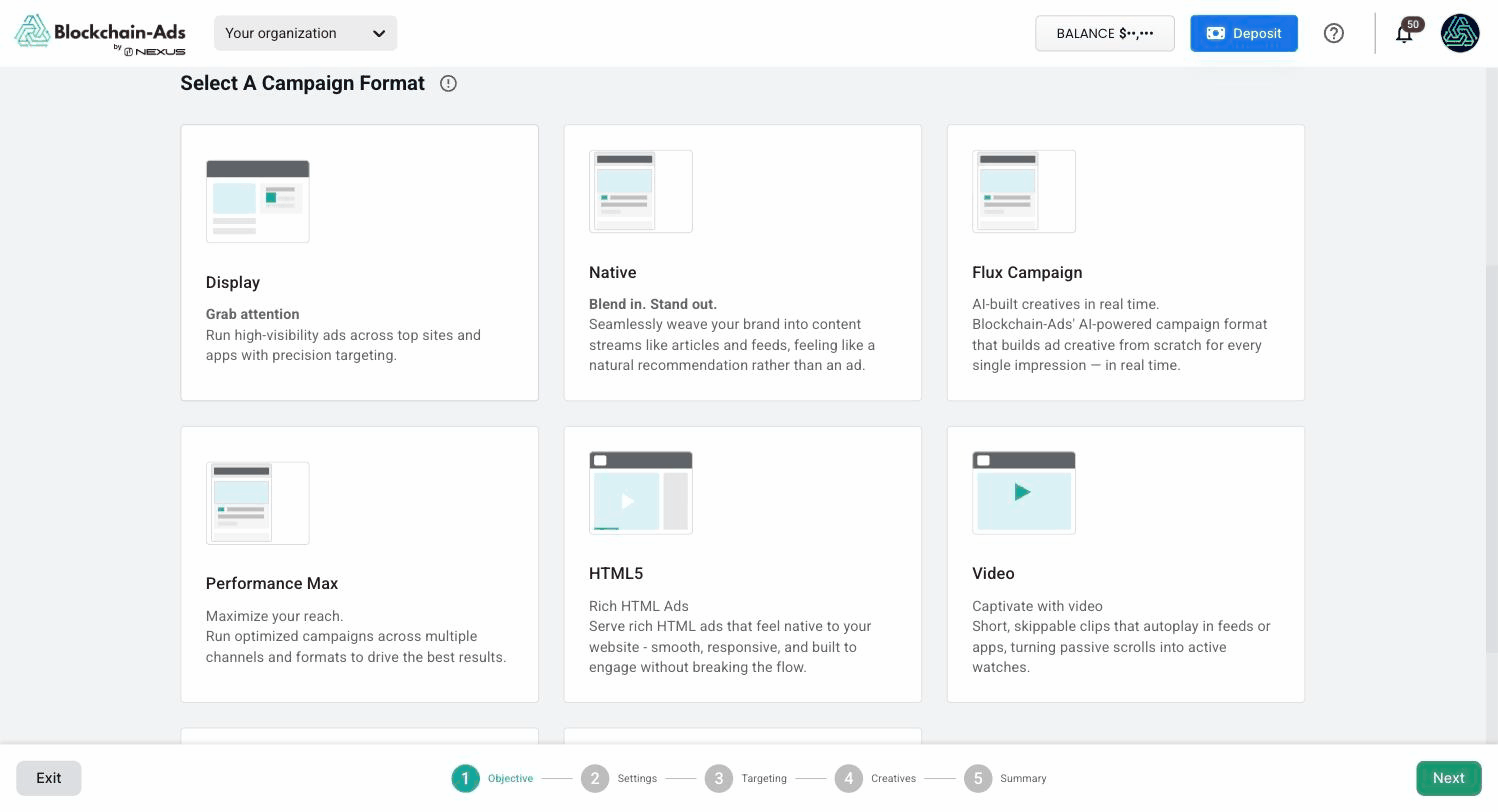
- Choose a campaign format. Display, Native, Flux Campaign, Performance Max, HTML5, Video and Telegram Ads each have a card, and Other holds Push, Pop and In-Page.
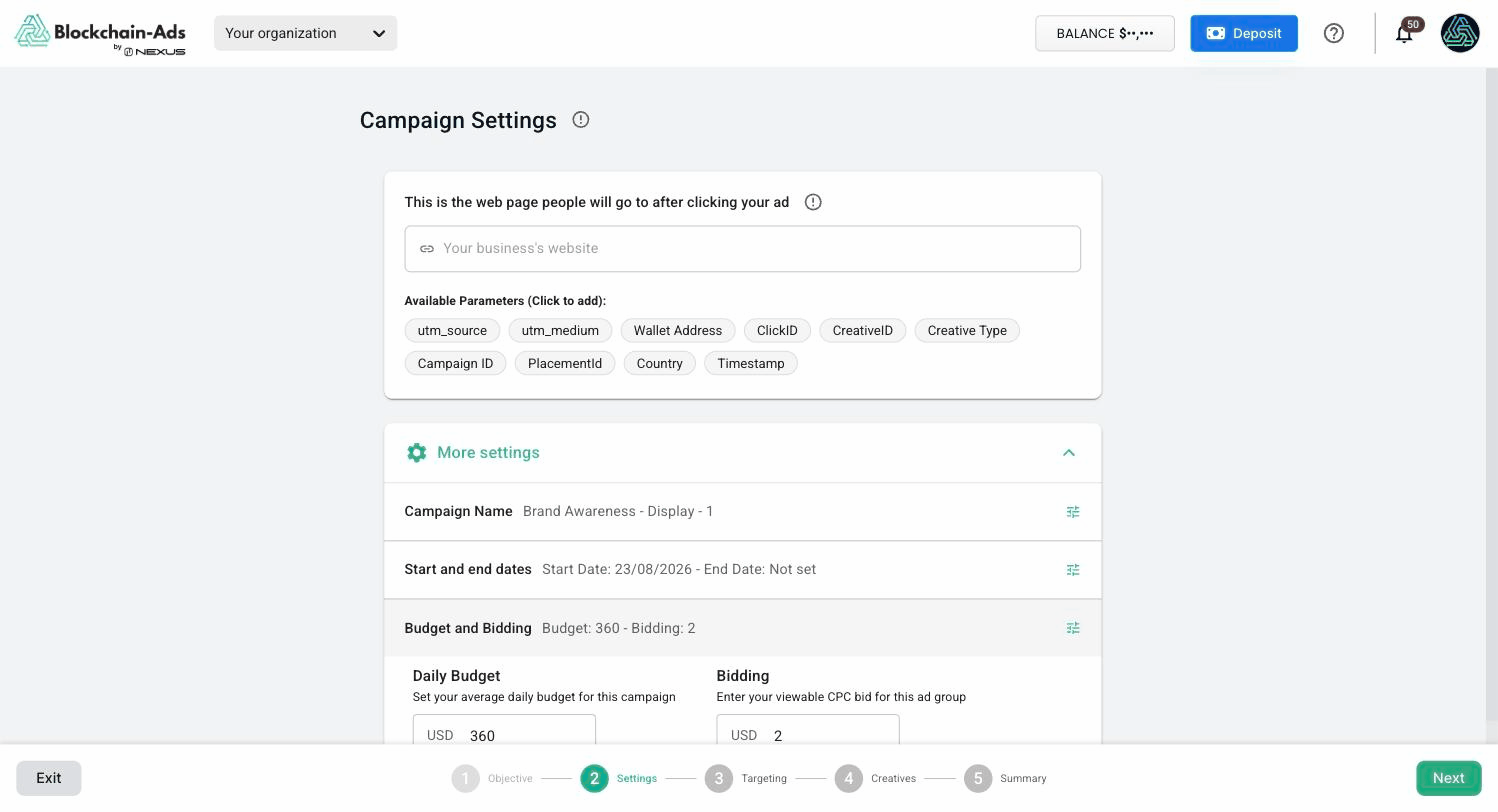
- In Settings, add the landing page people reach after clicking. Available Parameters appends values such as ClickID and utm_source to that URL.
- Under More settings, set the campaign name, the start and end dates, and Budget and Bidding.
- In Targeting, leave Automated Targeting on for a first campaign, or switch to manual to pick segments and geo yourself.
- Add your creatives, review the Summary, and launch.
Before you launch a Sales/Deposits campaign
A Sales/Deposits campaign optimizes toward a conversion, so it needs one installed and reading Verified first. Without it the campaign has a budget and no target.
Next steps
Thank you! Your submission has been received!
Oops! Something went wrong while submitting the form.