

Choosing Your Campaign Channel
Choosing the right channel ensures your campaign performs effectively and reaches the right audience across the Blockchain-Ads network. Each channel is designed for specific objectives, placements, and engagement patterns. This selection happens in step 1 (Objective) of the campaign builder, alongside your campaign goal.
see → Choosing Campaign Objectives.
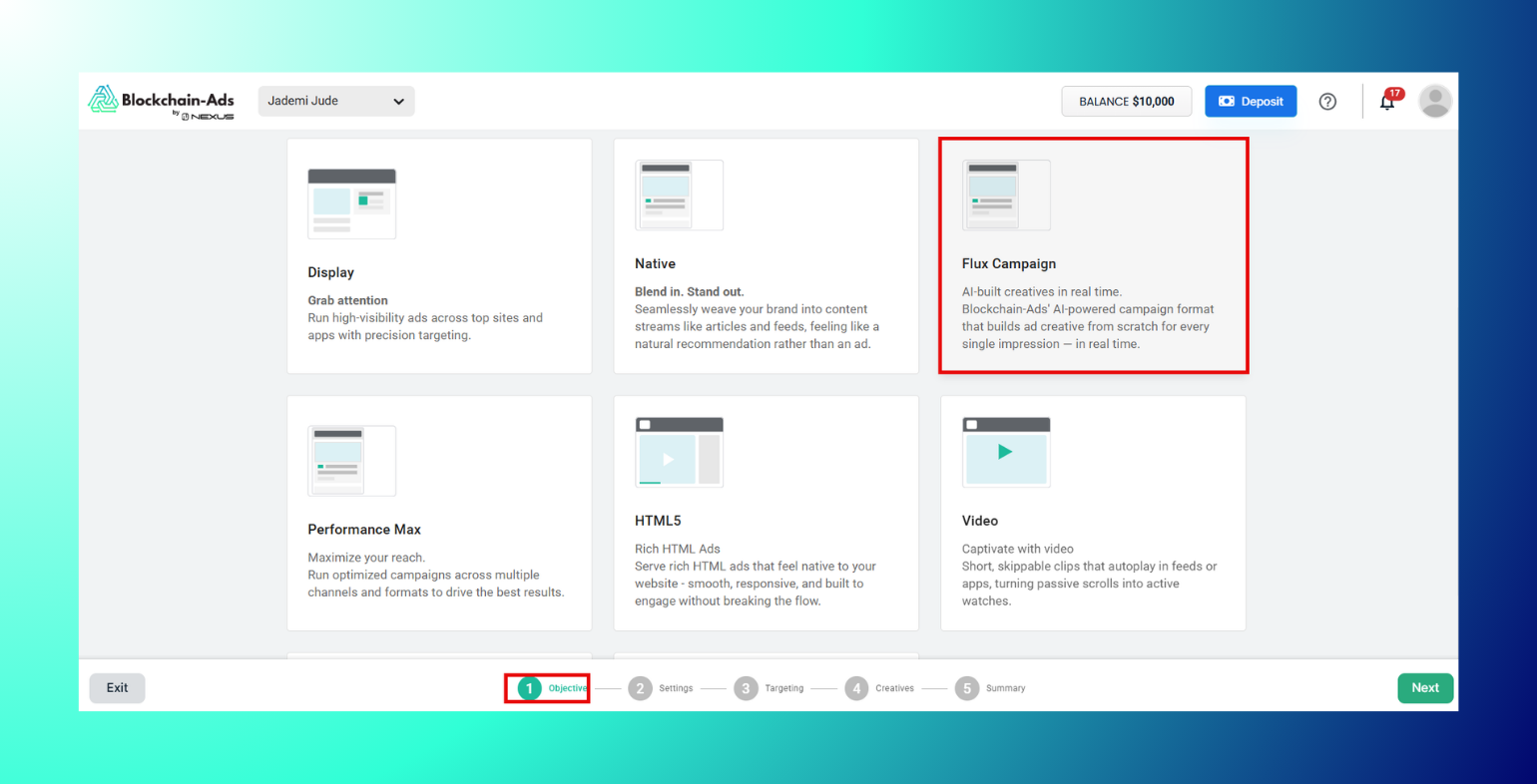
Channel Overview
| Channel | Description | Best Objective | Key Advantage |
|---|---|---|---|
| Display | Static/animated banners | Traffic, Sales | Visual impact, easy creation |
| Native | Integrated headline/description/image | Sign-Ups, Traffic | Blends for high engagement |
| Flux Campaign | AI-built creative generated per impression | Traffic, Sign-Ups, Sales | Eliminates creative fatigue entirely |
| Performance Max | AI-optimized cross-format mix (Display, Native, Video) | Conversions, Traffic, Brand Awareness | Automated creative selection across all channels |
| HTML5 | Rich interactive ads (HTML/CSS/JS) | Traffic, Engagement | Dynamic interactivity without plugins |
| Video | Motion ads, optional sound | Brand Awareness | Storytelling, emotional connection |
| Telegram Ads | In-app banners inside Telegram mini-apps | Traffic, Sign-Ups | Reaches millions mid-conversation |
| Mobile | Responsive banners for iOS/Android | Downloads, Sign-Ups | Mobile-specific reach |
| Push | OS/browser notification-style ads | Traffic, Conversions | High visibility, no ad blockers |
| Pop | Full-page ads opening in new tab/window | Traffic, Conversions | 100% page visibility, low CPM |
| In-Page Push | Notification-style banners on webpages | Traffic, Conversions | No opt-in required, reaches iOS/Safari |
| Interstitials | Full-screen takeovers between page loads | Traffic, Conversions, Brand Awareness | Maximum attention per impression |
Display
Grab attention. Display ads are visual banner ads (images, animation, or rich media) placed across a network of sites and apps. They "push" your brand in front of relevant audiences as they browse, making them ideal for building awareness rather than capturing existing demand.
Best campaign objectives
- Awareness/reach: Getting in front of a large, relevant audience
- Retargeting: Re-engaging past visitors who didn't convert
Key advantages
- Massive reach across a wide range of sites and apps
- Strong visual branding that builds recognition over time
- Precise targeting by audience, interest, geo, and device
- Cost-efficient upper-funnel visibility
Learn more about Display · See → Uploading Ad Assets and Properties for specs
Native
Blend in. Stand out. Native ads seamlessly weave your brand into content streams like articles and feeds, feeling like a natural recommendation rather than an ad.
Best campaign objectives
- Traffic for driving qualified visitors who are already primed by editorial context
- Sign-Ups for educating and converting readers into leads
Key advantages
- Higher engagement than standard banners since it doesn't disrupt the browsing experience
- Builds trust by matching the look and feel of the publisher's content
- Strong performer for mid-funnel consideration stages
Flux Campaign
AI-built creatives in real time. Blockchain-Ads' AI-powered campaign format that builds ad creative from scratch for every single impression. This occurs in real time, eliminating creative fatigue since no two users see the exact same ad.
Best campaign objectives
- Traffic and Sign-Ups for sustaining performance over long-running campaigns without creative refreshes
- Sales/Deposits for verticals where personalization at scale drives conversion
Key advantages
- Removes the need for manual creative refreshes or A/B testing multiple static versions
- Personalizes creative to context and audience signals per impression
- Currently available for crypto, finance, gambling, sports betting, and prediction markets, via a qualification process rather than fully self-serve setup
Learn more about Flux Campaigns · Creative upload is identical to Display/Native
Performance Max
Maximize your reach. Run optimized campaigns across multiple channels and formats, like Display, Native, and Video to drive the best results from a single campaign setup.
Best campaign objectives
- Conversions let AI find the best-performing channel mix toward your goal
- Traffic and Brand Awareness for advertisers who want reach without managing each channel separately
Key advantages
- Automated creative and channel selection, no manual format-by-format management
- Maximizes reach by running across all supported channels at once
- Simplifies setup for advertisers who don't want to run separate campaigns per channel
Note: Creative upload is identical to Flux
HTML5
Rich HTML Ads. Serve rich HTML ads that feel native to your website with smooth, responsive, and built to engage without breaking the flow.
Best campaign objectives
- Traffic for interactive, attention-grabbing creative
- Engagement where interactivity outperforms static visuals
Key advantages
- Supports animation and interactivity without needing external plugins
- Consistent rendering across browsers
- Good fit for advertisers with existing HTML5 creative built in tools like Google Web Designer
Video
Captivate with video. Short, skippable clips that autoplay in feeds or apps, turning passive scrolls into active watches.
Best campaign objectives
- Brand Awareness with storytelling that builds emotional connection with an audience
Key advantages
- Higher engagement than static formats through motion and sound
- Strong for demonstrating product value or telling a brand story
- Recommended length: 15–30 seconds with a clear call to action
Telegram Ads
Telegram ads. Slip into Telegram mini-apps with chat-friendly banners, tapping into millions of users mid-conversation for viral potential.
Best campaign objectives
- Traffic and Sign-Ups to reach highly active, engaged Telegram communities
Key advantages
- Access to a large, crypto-native audience inside gaming bots, DeFi tools, and finance communities
- High CTR relative to standard web display, due to in-app context
- Wallet-level, on-chain targeting available
Learn more about Telegram Mini App Ads
Other Channels
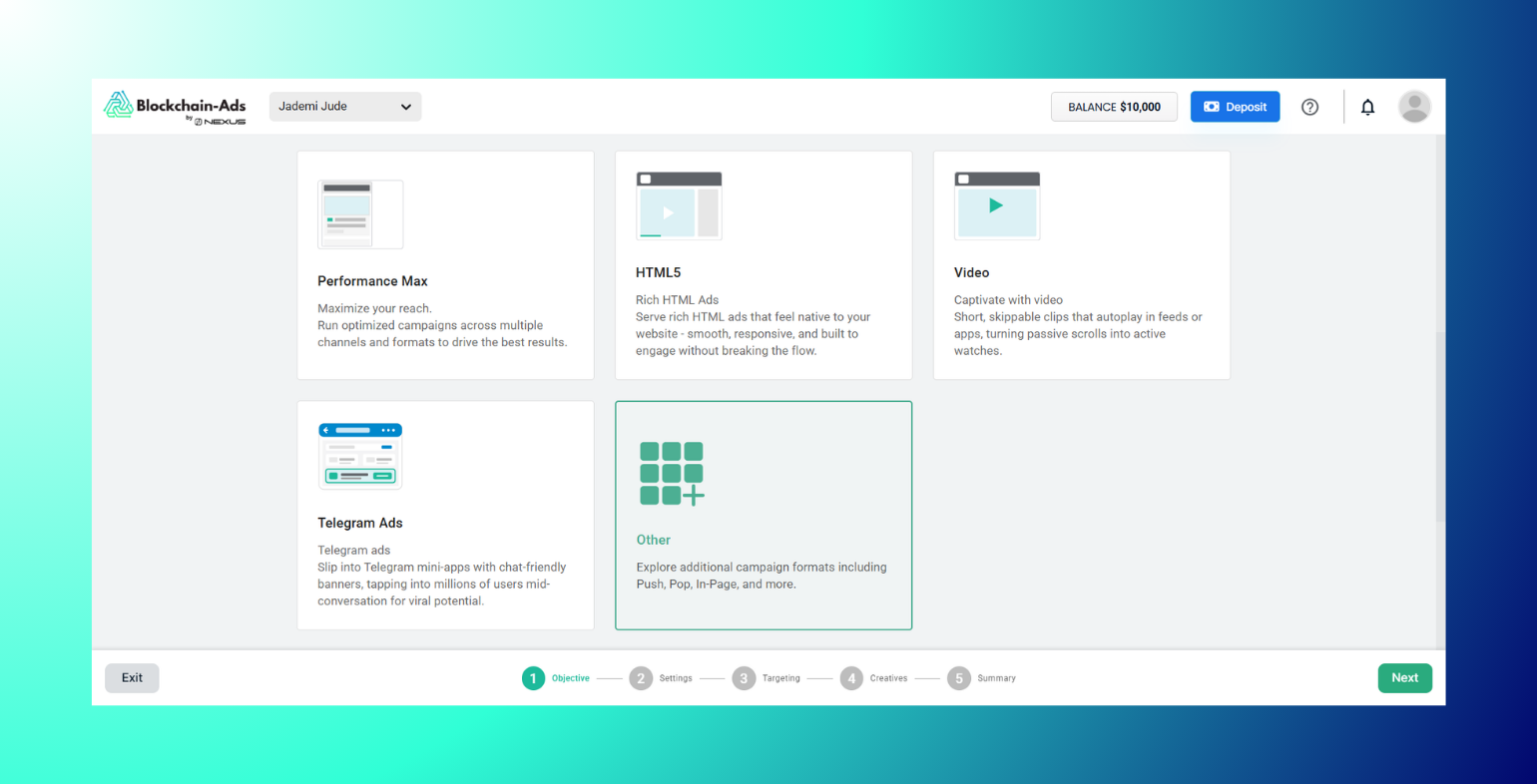
Clicking Other reveals a second grid of additional traffic sources.
Mobile
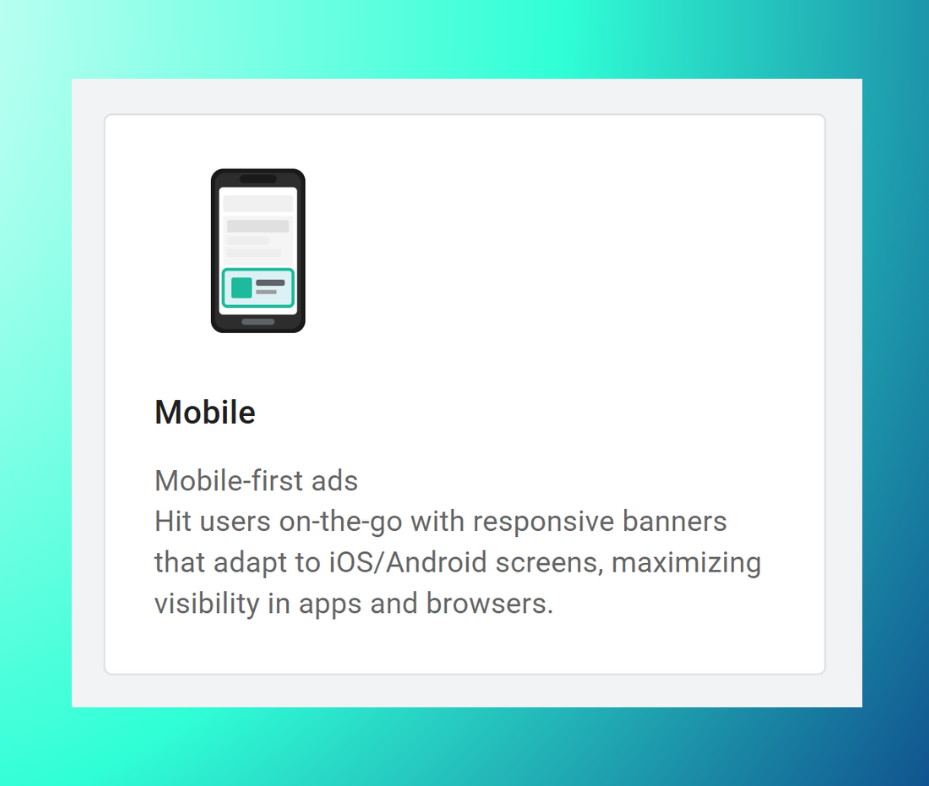
Mobile-first ads. Hit users on-the-go with responsive banners that adapt to iOS/Android screens, maximizing visibility in apps and browsers.
Best campaign objectives: Downloads, Sign-Ups
Key advantages: Mobile-specific reach in high-engagement environments; responsive across iOS/Android
Push
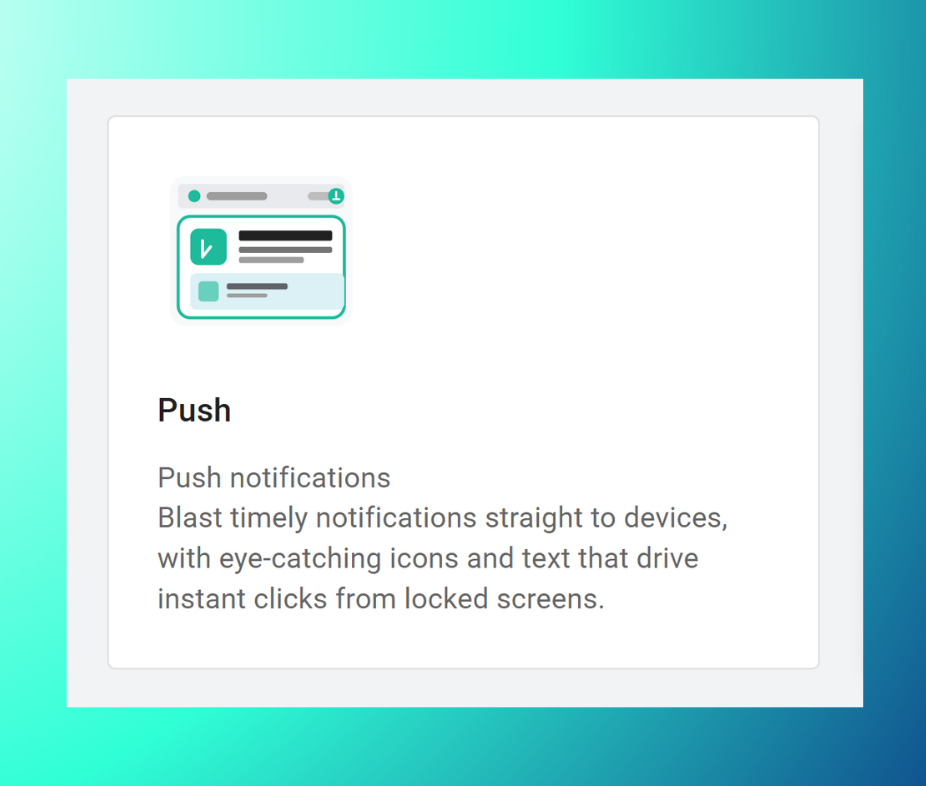
Push notifications. Blast timely notifications straight to devices, with eye-catching icons and text that drive instant clicks from locked screens.
Best campaign objectives: Traffic, Conversions
Key advantages: High visibility with no ad blockers; requires user opt-in, so audiences are pre-engaged
Pop
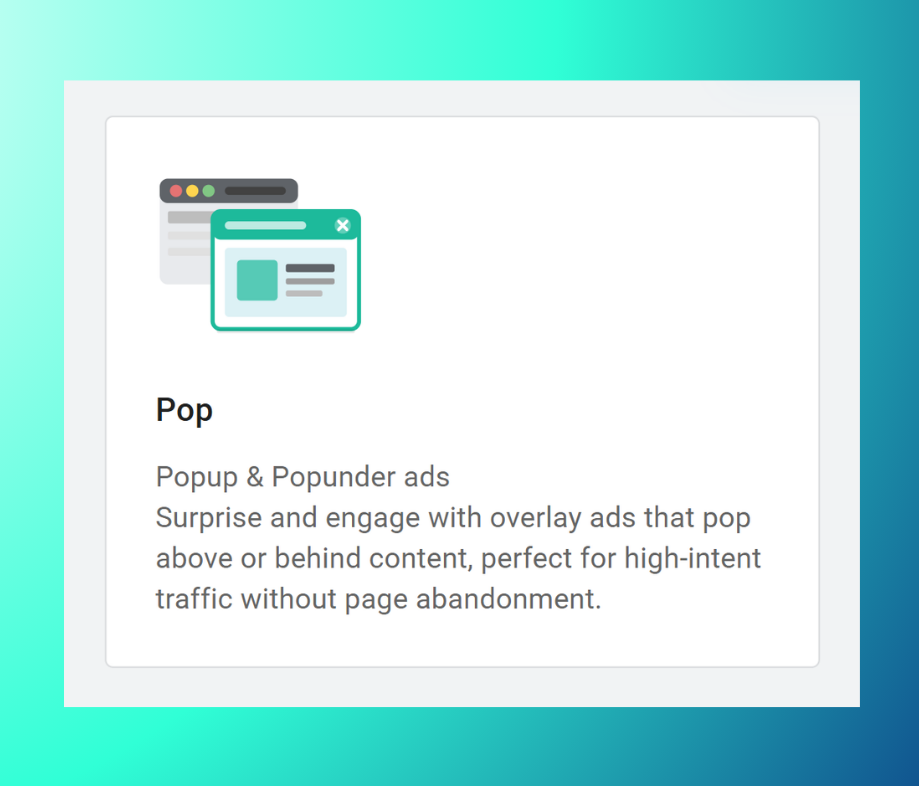
Popup & Popunder ads. Surprise and engage with overlay ads that pop above or behind content, perfect for high-intent traffic without page abandonment.
Best campaign objectives: Traffic, Conversions
Key advantages: 100% page visibility; low CPM entry point
In-Page Push
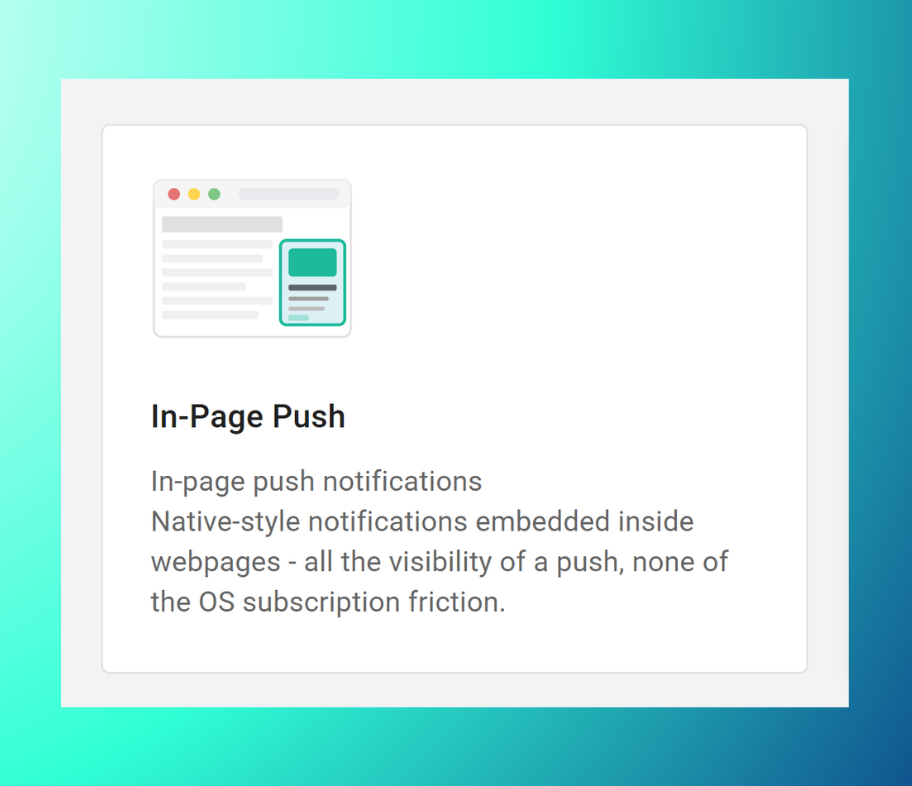
In-page push notifications. Native-style notifications embedded inside webpages. This offers all the visibility of a push and none of the OS subscription friction.
Best campaign objectives: Traffic, Conversions
Key advantages: No opt-in required; unlocks iOS/Safari inventory that standard Push can't reach
Interstitials
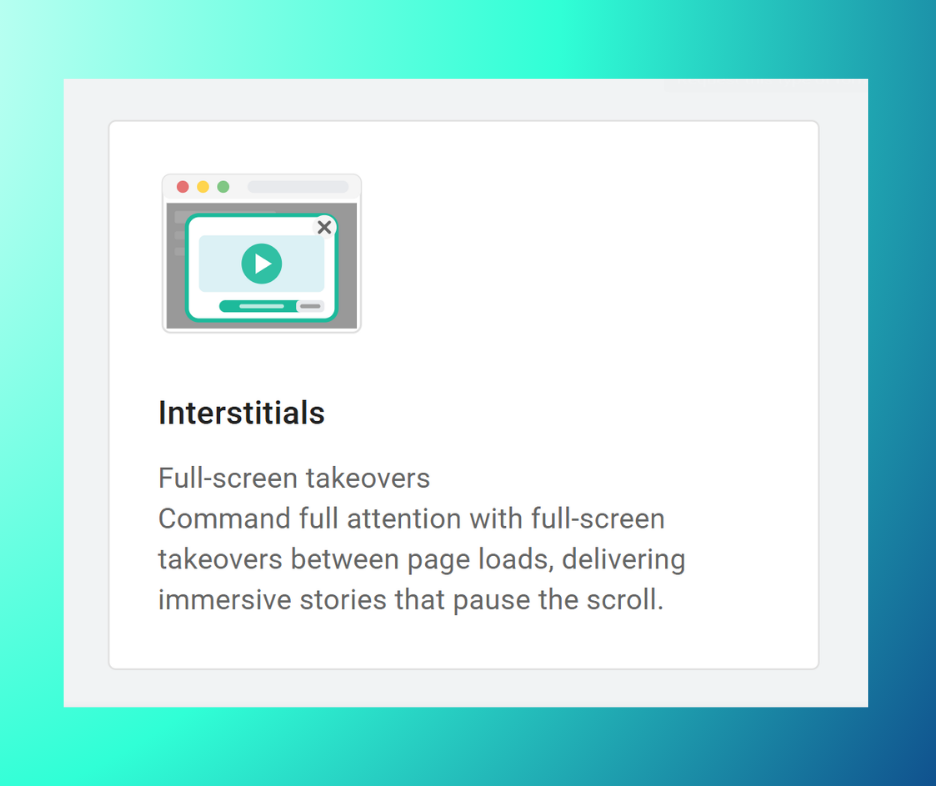
Full-screen takeovers. Command full attention with full-screen takeovers between page loads, delivering immersive stories that pause the scroll.
Best campaign objectives: Traffic, Conversions, Brand Awareness
Key advantages: Maximum attention per impression; overcomes mobile banner blindness
Learn more about Interstitials
Best Practices
- Match channel to objective. This means, Video or Display for brand awareness, Native for traffic, Flux or Performance Max when you want AI to handle channel/creative optimization for you.
- Start with one channel to simplify testing before combining.
- Check the specs in → Uploading Ad Assets and Properties before selecting a channel, so you're prepared with the right creative assets ahead of the Creatives step.
Troubleshooting
- Channel greyed out or unselectable? It may not be available yet for your account or vertical (e.g. CTV/OTT).
- Selected the wrong channel? You can go back to step 1 (Objective) at any point before reaching Summary.
- Ad display issues after upload? Confirm file types/sizes match the requirements in → Uploading Ad Assets and Properties.
FAQs
Where do I choose a channel?
In step 1 (Objective) of the campaign builder, alongside your campaign goal.
What channels can I combine?
Display with Native or In-App; Video often stands alone due to specs. Performance Max automatically combines Display, Native, and Video for you.
Can I change channel post-launch?
Yes, edit and resubmit for approval in the HUB. Conversely, see → How to Modify Live Campaigns.
What's the difference between Push and In-Page Push?
Push is a real OS/browser notification requiring user opt-in. In-Page Push is a webpage banner styled like a notification with no opt-in required, unlocking iOS and Safari inventory.
When should I use Performance Max vs. manual channel selection?
Use Performance Max when you want AI to optimize across channels automatically. Use manual selection when you need precise control over placement and creative pairing.
Is Flux Campaign available for all advertisers?
Availability depends on your account and vertical. It’s currently live for crypto, finance, gambling, sports betting, and prediction markets. Contact your account manager to confirm access.
Is CTV/OTT available?
Yes, just request it from your account manager and the Blockchain-Ads team will make it available for your usage.

